
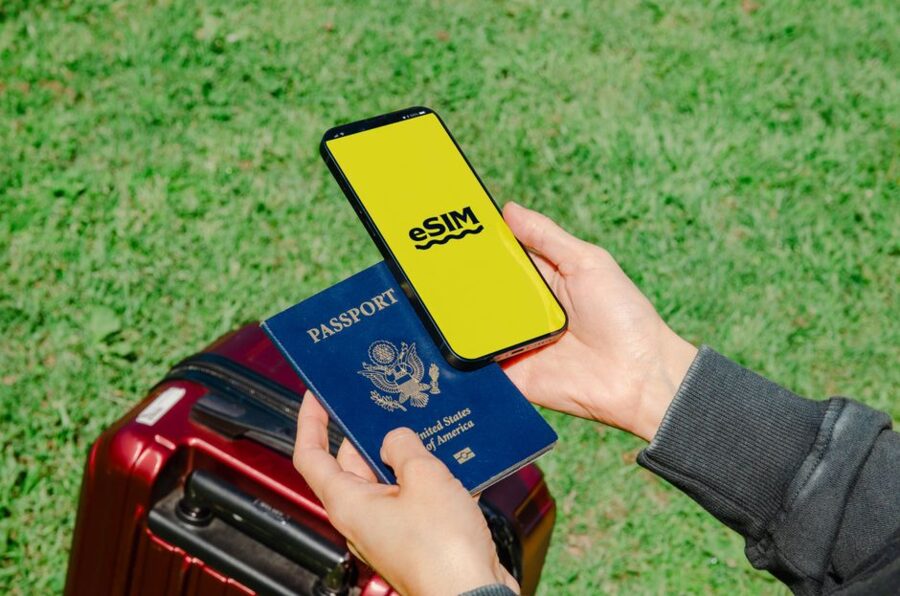
Japan never built a GSM network, and for years that one gap in the airwaves sent visitors from Europe and America straight to an airport counter to rent a phone. The gap no longer matters. Japan now runs on the same 4G and 5G standards as the rest of the world, its last 3G network went dark in March 2026, and a phone bought at home in the past five years will almost certainly work here.
Key facts What you get
- Data-only eSIM
- Mobile data on your own phone, no Japanese number
- Physical data SIM
- The same, on a card bought before or after landing
- Pocket wifi rental
- A battery router shared by several devices
- Roaming on your home plan
- Your own number, calls, texts and data
- Voice SIM or rental phone
- A Japanese 070, 080 or 090 number
On this page
- The five options side by side
- How Japan's mobile networks work for a visitor
- eSIM: the default choice now
- Physical data SIMs, and buying after you land
- Pocket wifi: one router for the group
- Roaming on your home plan
- Rental phones and Japanese numbers: the few cases they help
- Free wifi in Japan, and why it won't carry a trip
- Practical bits: apps, tethering, charging, emergencies
The question now is which of five ways to get online suits your trip. For most people the answer is a data-only eSIM, installed at home before the flight; a pocket router, your home plan or a rented phone each still wins in a few cases.
The five options side by side
Prices are as of November 2026, in each seller’s currency, with rounded conversions.
| Option | What you get | Typical cost | Suits |
|---|---|---|---|
| Data-only eSIM | Mobile data on your own phone, no Japanese number | ¥600 (about US$4) for 3GB over 3 days, up to ¥3,390 (about US$22) for 7 days unlimited, on KDDI’s own visitor eSIM | Almost everyone with a recent phone |
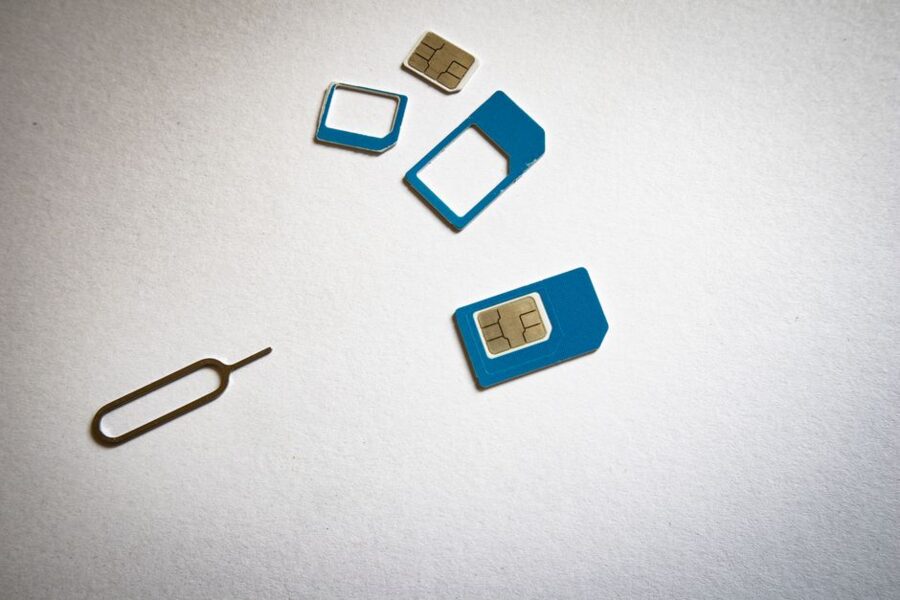
| Physical data SIM | The same, on a card bought before or after landing | Similar to eSIMs; airport counters charge more | Phones with a SIM tray but no eSIM |
| Pocket wifi rental | A battery router shared by several devices | From about US$5 a day for unlimited data | Families and groups who stay together, laptops, tablets |
| Roaming on your home plan | Your own number, calls, texts and data | US$12 a day on Verizon or AT&T passes; some T-Mobile plans include data | Short trips, or anyone who must keep receiving texts on a home number |
| Voice SIM or rental phone | A Japanese 070, 080 or 090 number | Highest; ID check required | Old or carrier-locked phones, long stays, needing a local number |
I would go with an eSIM unless something on that table rules it out: it is the cheapest per gigabyte and there is nothing to collect or return.
How Japan’s mobile networks work for a visitor
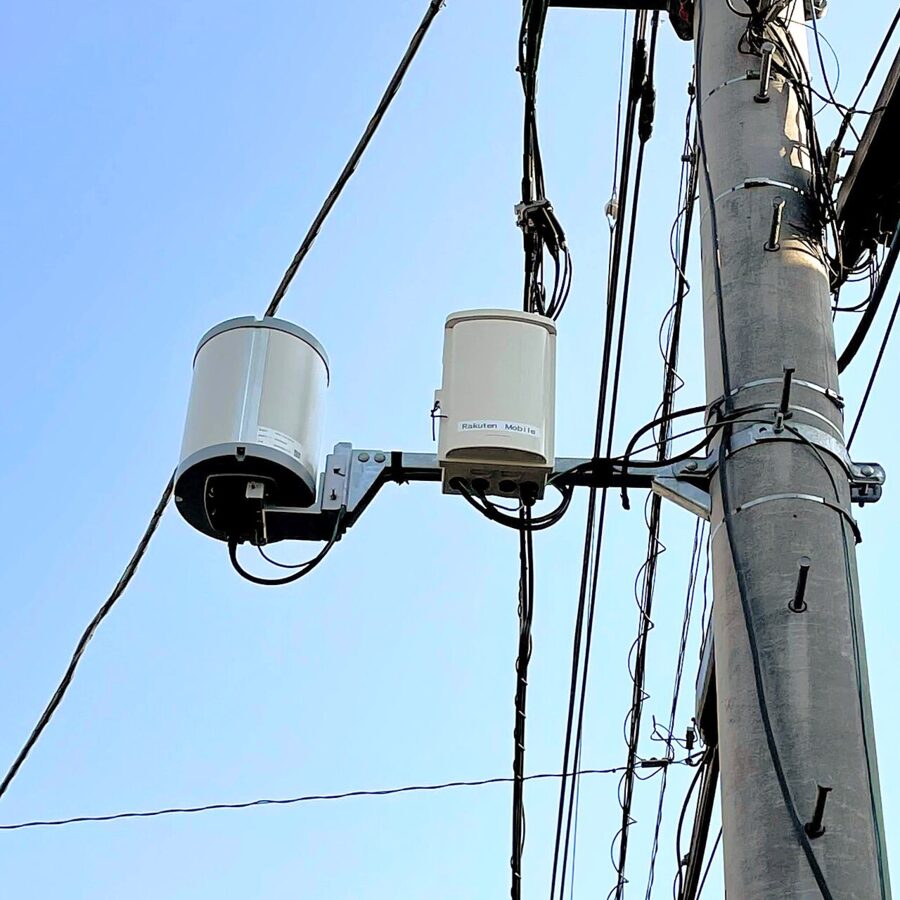
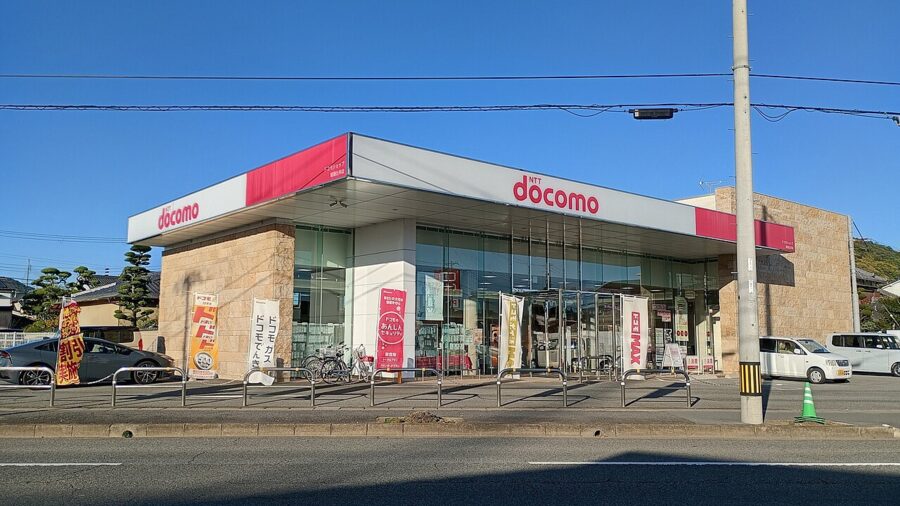
Four companies own Japan’s mobile networks. NTT docomo is the largest and oldest, KDDI runs au (and the cheaper brands povo and UQ mobile on the same network), SoftBank runs SoftBank and Y!mobile, and Rakuten Mobile is the newcomer that switched on its own network in 2020. Every visitor SIM, eSIM and router rides on one of these four.
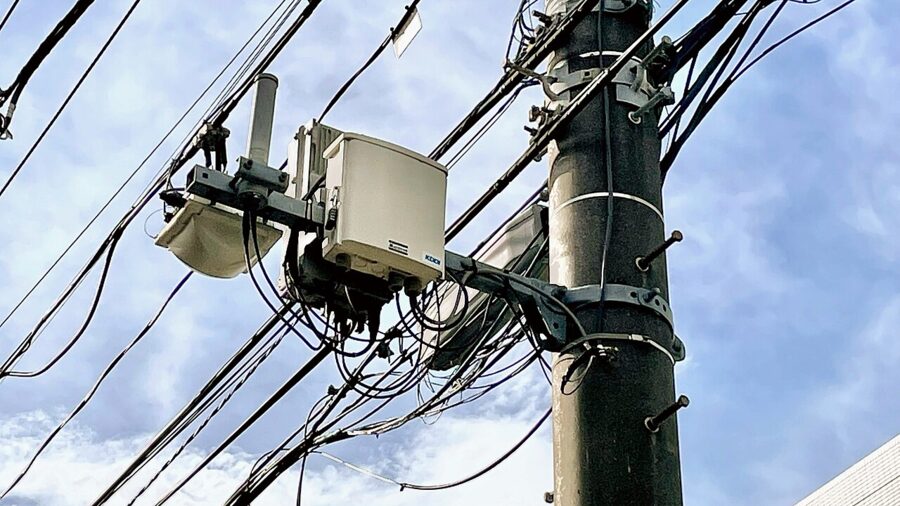

Docomo, au and SoftBank all cover the cities, the rail corridors and most of the countryside a first trip passes through. Rakuten’s own network is thinner outside the cities, so I would not pick a Rakuten-based plan for a trip into the mountains. If a plan does not name its network, ask before you pay.

A second question hides behind the network name: where your data actually goes. Many international eSIMs are roaming products, routing your traffic through another country, so pages can load slower and Japanese sites may see you as abroad. eSIMs from the Japanese carriers connect locally.

The end of 3G, and which phones it left behind
Japan switched off 3G one carrier at a time. KDDI closed au’s 3G service on March 31, 2022. SoftBank’s 3G ended on April 15, 2024, with Ishikawa Prefecture kept running until July 31, 2024 because of the Noto Peninsula earthquake. Docomo closed FOMA, its 3G network, on March 31, 2026, and with it went the last 3G signal in the country.
With 3G gone, phone calls in Japan travel over 4G using VoLTE (voice over LTE, calls carried as data on the 4G network). Docomo warned that 4G phones without VoLTE would lose voice calls after FOMA closed. A foreign phone that cannot use VoLTE here still gets data but no calls, and a 3G-only phone gets nothing.

Recent iPhones and mainstream Android phones are fine. If yours is more than about six years old, ask your carrier whether it supports VoLTE roaming in Japan.
Is your phone ready?
Three checks cover nearly every case. The phone must not be locked to your home carrier, or it will refuse any other SIM; US carriers will generally lift the lock on a paid-off phone. It should support eSIM, as almost every recent phone does. And if you want a card, it needs a tray: US iPhones from the iPhone 14 onward are eSIM only.
In Japan, a phone that takes any carrier’s SIM is labeled SIMフリー (shimu furī, SIM-free).
eSIM: the default choice now
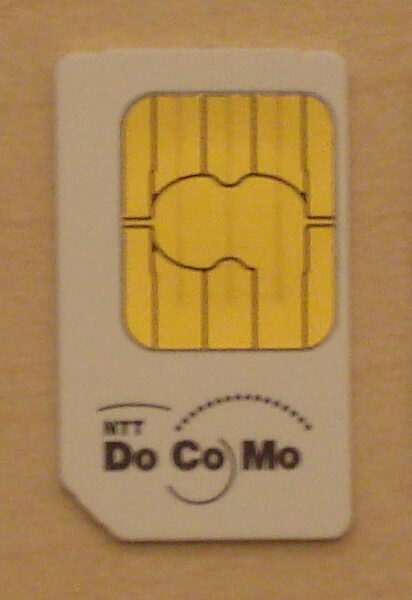
An eSIM is a SIM profile downloaded into a chip already inside the phone. You buy a plan online, scan a QR code or follow an app link, and the profile installs in a minute or two. Do it at home a day or two before you fly, then switch the line on when you land.
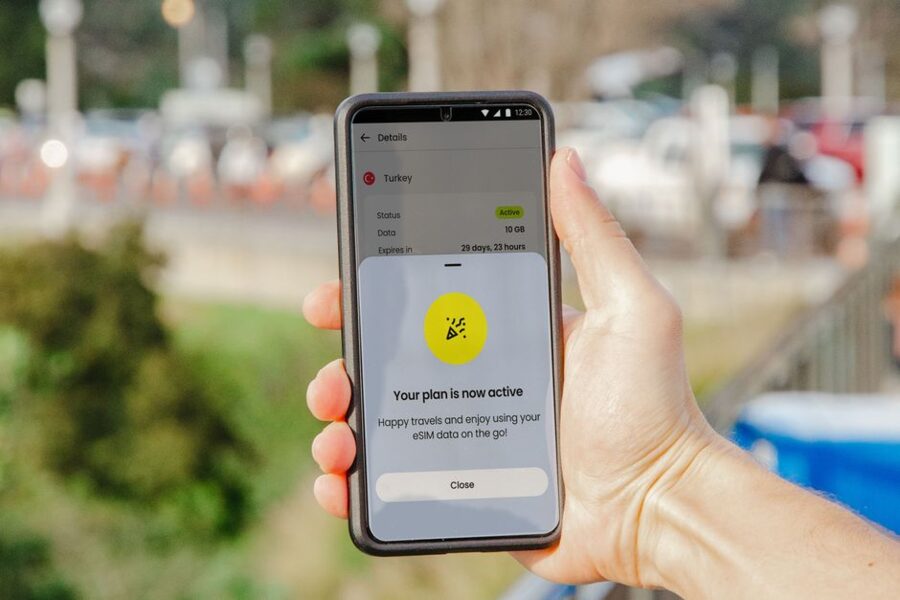
Set the eSIM as the mobile data line and turn off data roaming on your home line, so a stray download never lands on your home bill. Many travel eSIMs need data roaming on for the eSIM line itself; the seller’s instructions say which.
What an eSIM costs
International eSIM prices move often, so the best benchmark is a Japanese carrier’s own. KDDI’s povo brand sells a visitor eSIM called Japan SIM, bought online with a credit card and a code texted to your home number, with no passport check. Its lineup, as revised on March 25, 2026, is below.
| povo Japan SIM plan (online) | Price |
|---|---|
| 3GB, valid 3 days | ¥600 (about US$4) |
| 5GB, valid 5 days | ¥900 (about US$6) |
| 10GB, valid 7 days | ¥1,430 (about US$9) |
| 20GB, valid 30 days | ¥2,700 (about US$17) |
| Unlimited, 6 hours | ¥260 (about US$2) |
| Unlimited, 3 days | ¥1,540 (about US$10) |
| Unlimited, 5 days | ¥2,510 (about US$16) |
| Unlimited, 7 days | ¥3,390 (about US$22) |
KDDI notes that speeds may be limited when the network is congested. The data top-ups start counting at purchase, so buy them just before you fly; the unlimited plans now arrive as a code you activate when you choose.
How much data do you need? Maps, train searches, messaging and translation use little, and around 1GB a day is comfortable for most visitors. Video calls and streaming burn through a plan; if you do either daily, buy unlimited.
The downsides
An eSIM needs a capable phone free of a carrier lock, and covers one device. Delete the profile by mistake and some sellers will not reinstall it. Most have no Japanese phone number.
Physical data SIMs, and buying after you land
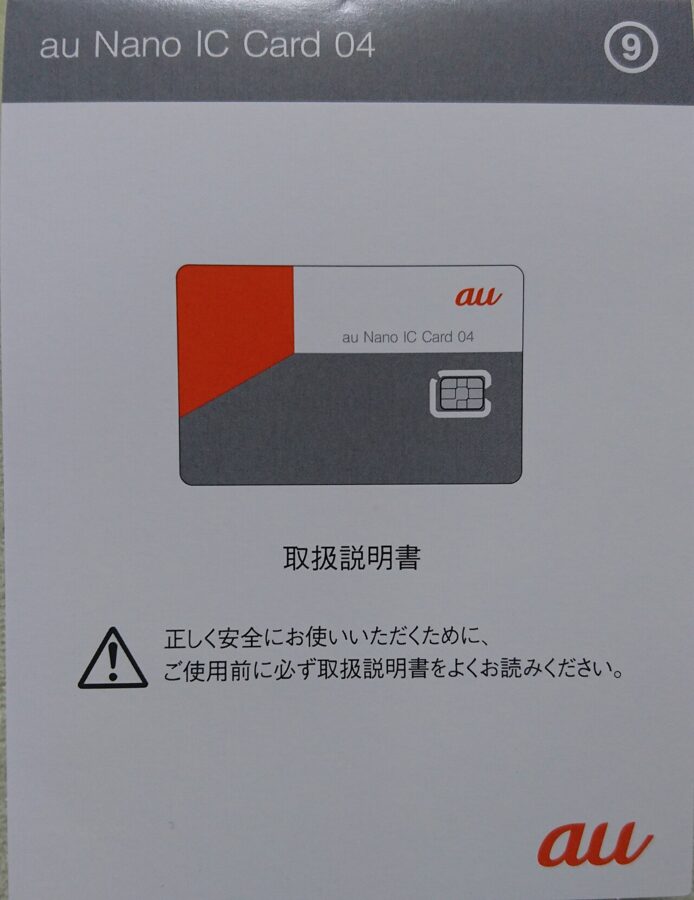
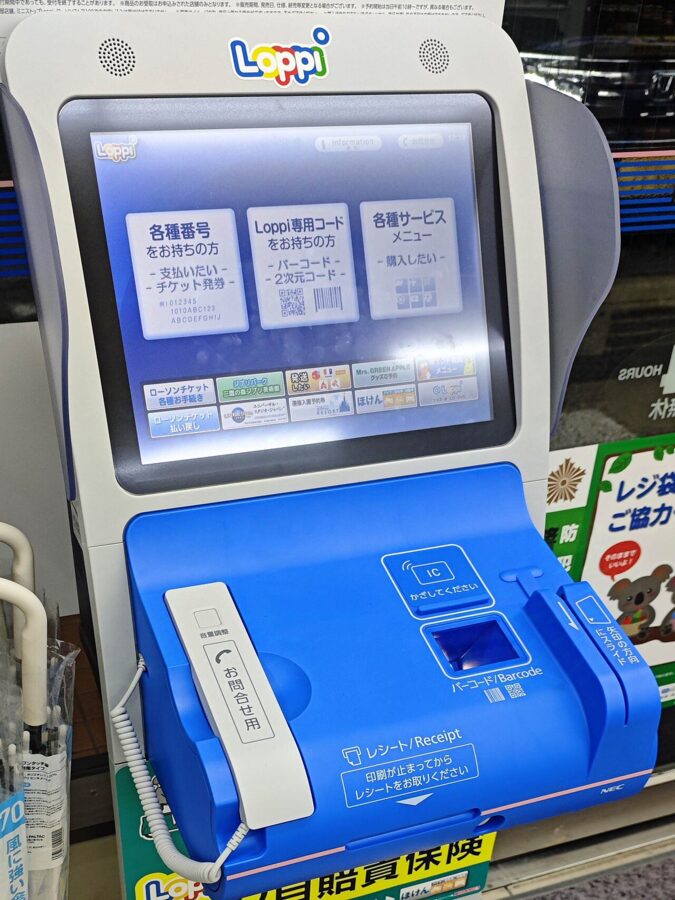
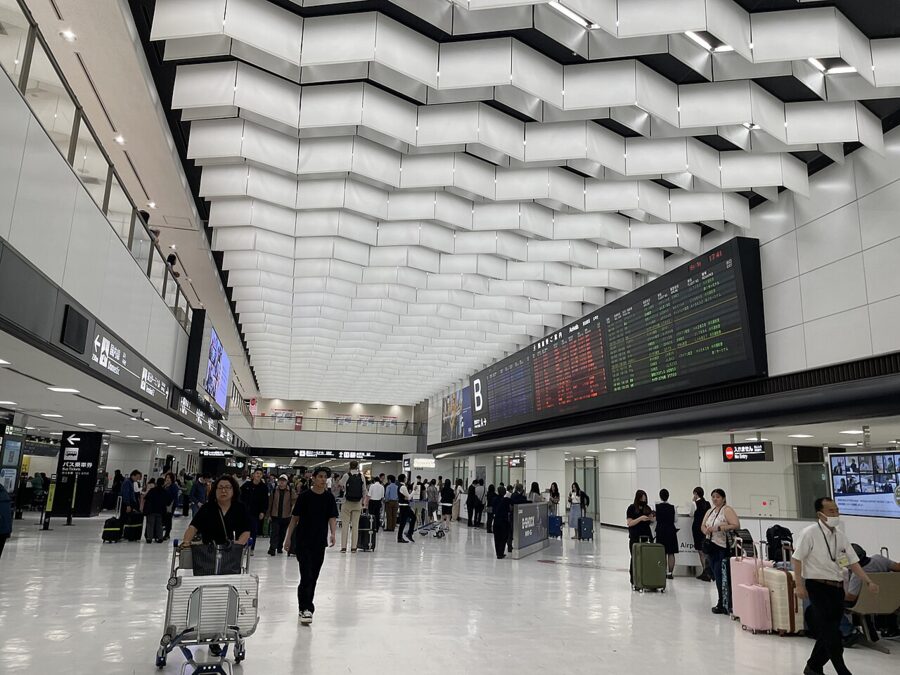
If your phone has a SIM tray and no eSIM, a data-only card does the same job. Order one online for delivery to your first hotel, or buy one from the counters and machines in the arrival halls at Narita, Haneda and Kansai.
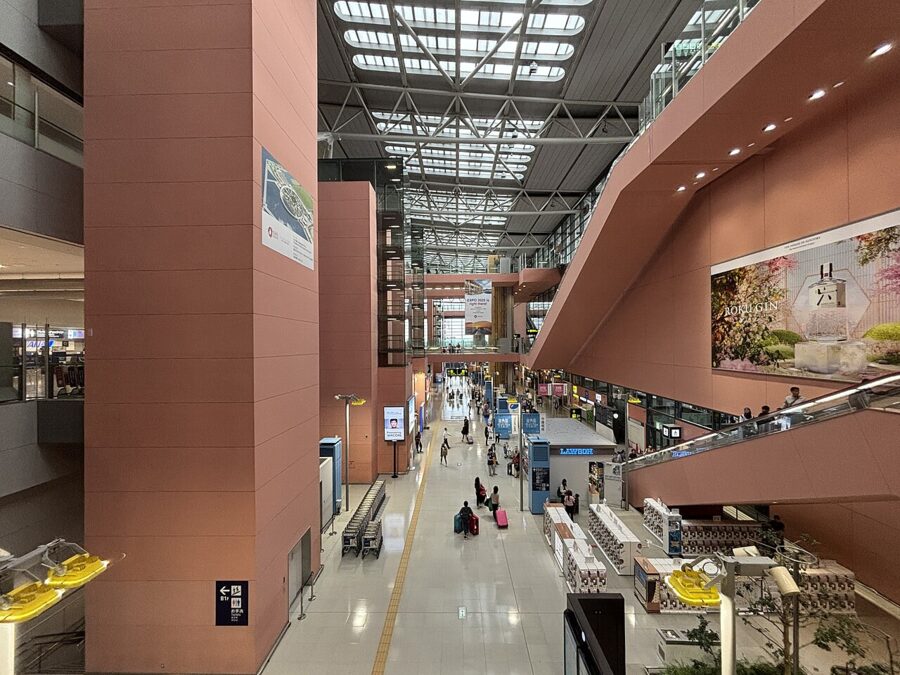

Expect to pay more at the airport, and expect a queue when several long-haul flights land together, especially in the busiest travel seasons.
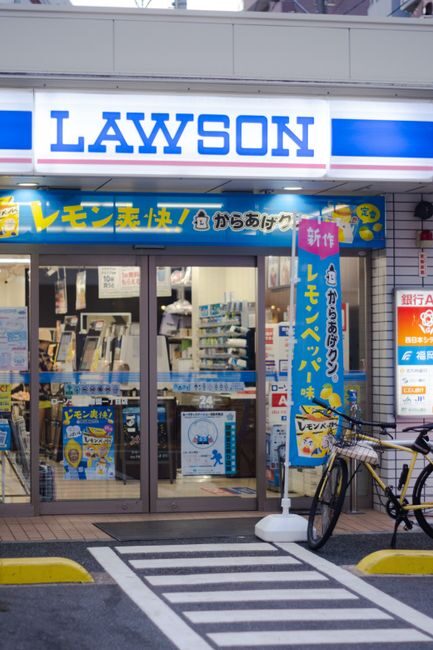
Convenience stores are the other place to buy. Lawson sells its own version of povo’s Japan SIM in store, with a different set of plans from the online one. On packaging, look for データ通信専用 (dēta tsūshin sen’yō, data only), which tells you the card has no phone number.
Why data-only is the norm: the passport rules
Visitor SIMs are data-only because of a law. Japan’s Mobile Phone Improper Use Prevention Act (携帯電話不正利用防止法) requires an identity check for any line that can make calls, a rule written after phones bought under false names were used in fraud. Data-only lines have been outside it, which is why a credit card is enough.
That is changing. The Ministry of Internal Affairs and Communications says that from April 2027 (Reiwa 9) data-only SIMs and eSIMs will also need an identity check, with the ID’s IC chip read where possible, and that this may include short-term foreign visitors. How sellers will check a visitor’s passport had not been announced as of November 2026, so after spring 2027, expect a few more steps at purchase. None of this touches the visa and customs rules at the airport; it applies only where the SIM is sold.
Pocket wifi: one router for the group
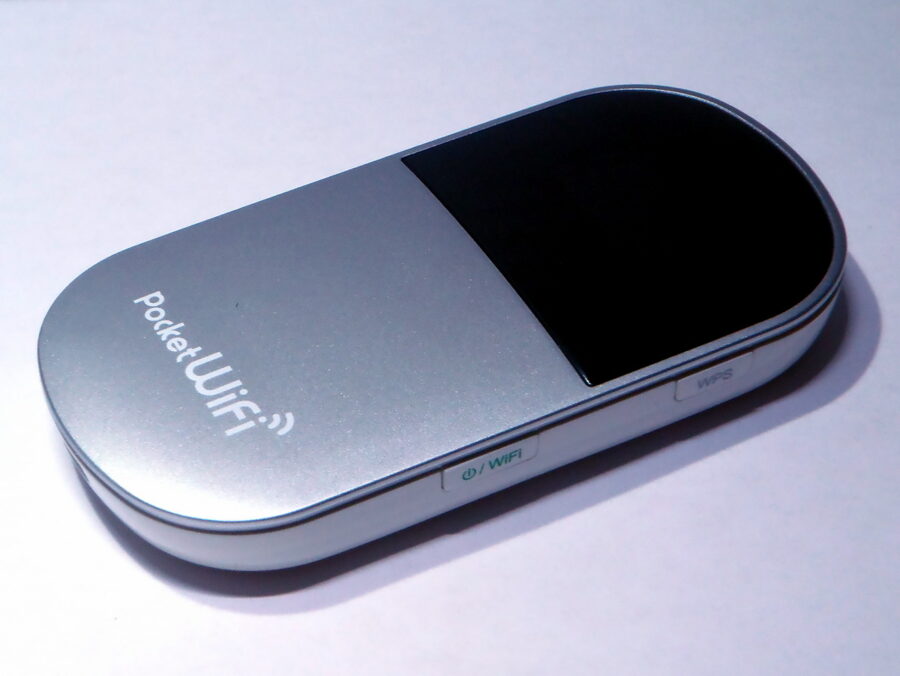
A pocket wifi is a battery router about the size of a deck of cards. It makes a private wifi network that several phones, tablets and laptops can join, locked or not.
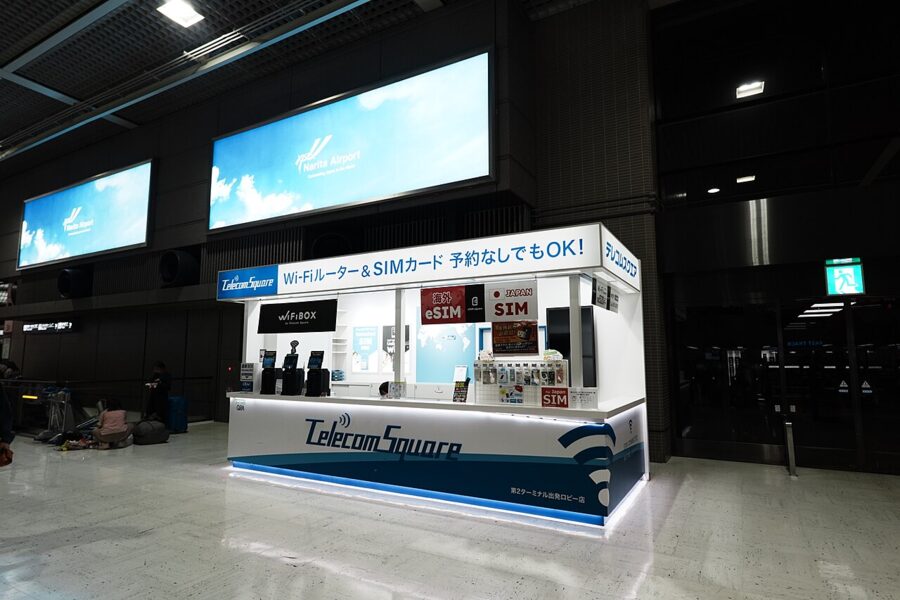

You book online, then collect the router at the airport or have it sent to your first hotel. Return is usually by post, in a prepaid envelope dropped in any red postbox. As of November 2026, one of the large rental firms lists unlimited routers on the SoftBank network from about US$5 a day.
The catch is that the router has to be with you: split up for an afternoon and whoever lacks it is offline. It needs charging every night, and losing it costs far more than the rental. The Japanese word is ポケットWi-Fi (poketto wai-fai), as on airport signs.

I would choose a router for a family with older phones or someone working on a laptop. For a couple with recent phones, two eSIMs are cheaper and lighter.
Roaming on your home plan
Roaming is the easiest option and usually the most expensive. You keep your number and your bank’s security texts. As of November 2026, the big three US carriers charge as follows.
- Verizon TravelPass: US$12 per line per day in Japan, charged only on days you use the phone. After 5GB of high-speed data in a session, speeds drop sharply.
- AT&T International Day Pass: US$12 a day for the first line and US$6 for each other line on the account, with no more than 10 daily fees per line per bill period.
- T-Mobile’s Experience plans include data abroad: up to 5GB of high-speed data on Experience More 2.0 and up to 15GB on Experience Beyond 2.0, then slow data at up to 256kbps. Calls cost US$0.50 a minute.

Ten days on a daily pass costs about US$120, against ¥3,390 for a week of unlimited eSIM data. A middle path works well: data on an eSIM, home line on with data roaming off, so texts still arrive. Check what your plan charges for texts abroad.
Rental phones and Japanese numbers: the few cases they help
The rental phone is now a niche answer, but a real one: for a phone locked to its carrier, a phone too old for VoLTE or eSIM, or a companion without a smartphone. Rental phones come with a Japanese number and are booked through the same firms that rent pocket wifi.
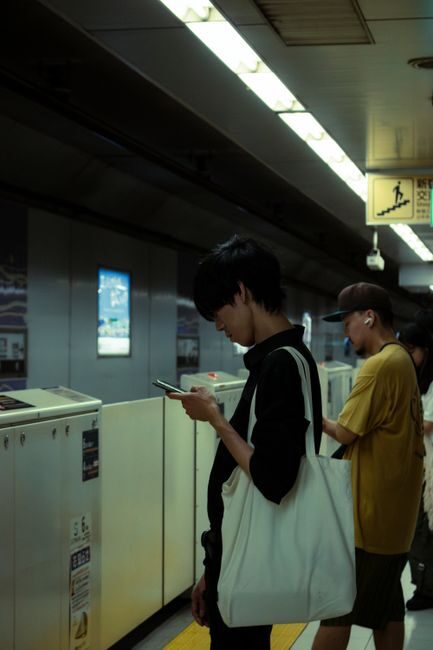
A Japanese number also helps on longer stays, since some booking systems and Japanese apps confirm accounts by text to one. Voice SIMs require the identity check described above, and most voice plans are built for residents with a residence card. For a holiday of two or three weeks I would not bother: restaurants and inns are used to an email address or your hotel’s number.
Free wifi in Japan, and why it won’t carry a trip
Japan’s public wifi works in patches: hotels, airports, major stations, many cafes and the Tokaido Shinkansen. Between them you have nothing, and each network wants its own sign-in.
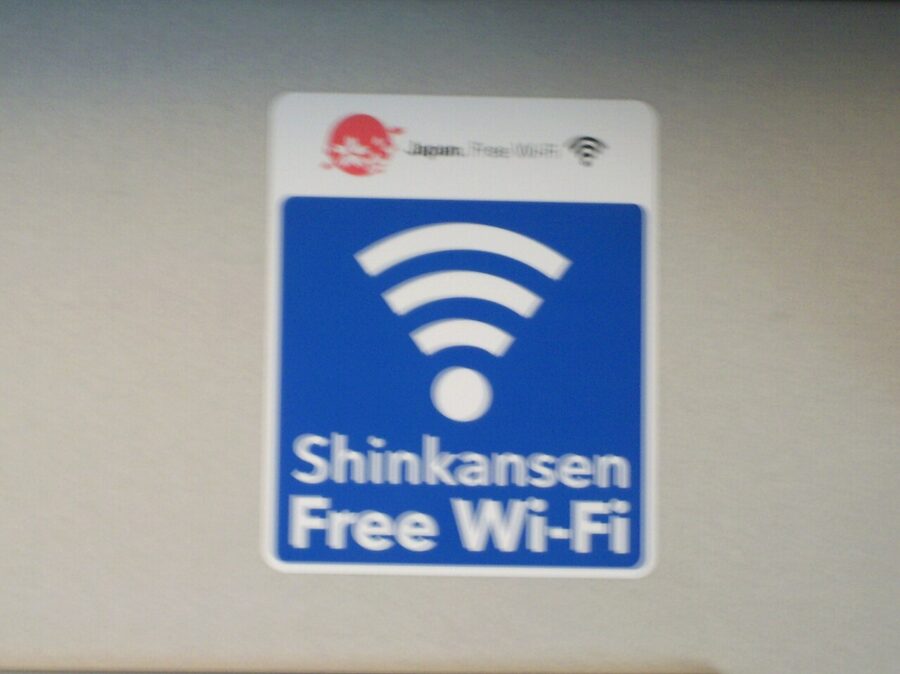

On the train, JR Central’s free wifi asks you to register an email address or a social media account and then logs you out every 30 minutes; the station network, JR-Central_Free, asks again every 60 minutes. Fine for a hotel address, tiring for anything longer.
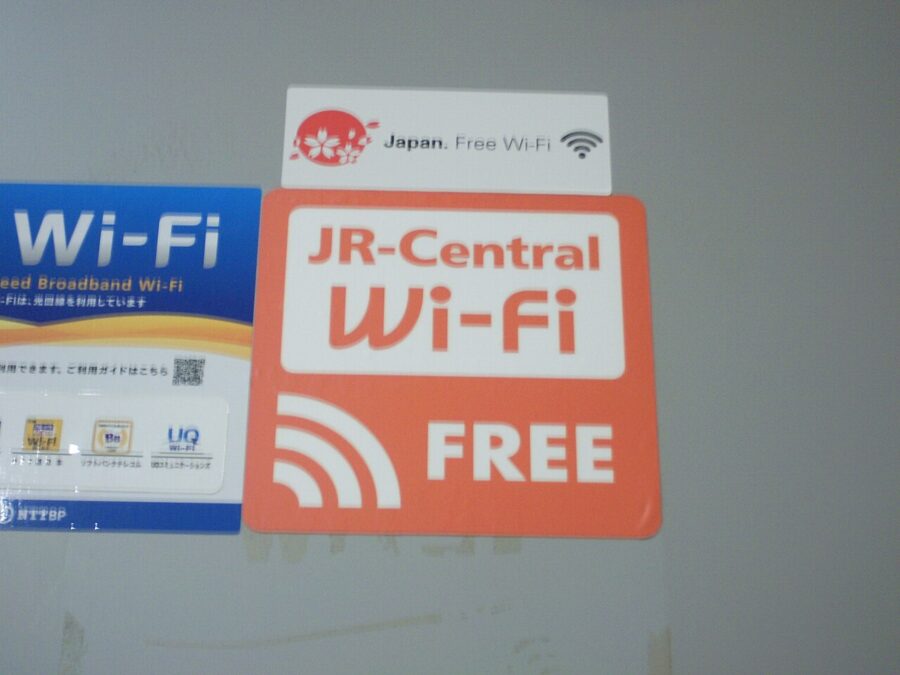

Free wifi is also shrinking, because people now carry their own data. Seven-Eleven closed its 7SPOT service in March 2022. On March 31, 2026, JR Central ended free wifi at its conventional-line stations from Mishima to Gifu and along several branch lines, citing changes in mobile data use, keeping it only on the Tokaido Shinkansen, at its 17 Shinkansen stations from Tokyo to Shin-Osaka, at Nagoya and Takayama, and on the Hida and Nanki limited express trains.
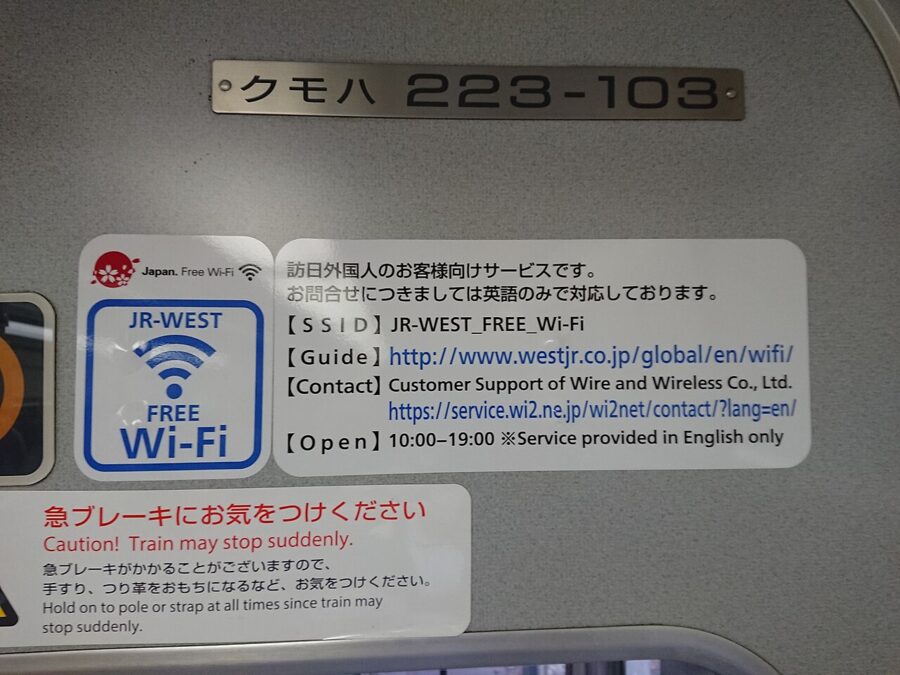

The free app Japan Wi-Fi auto-connect, from NTT Broadband Platform, signs you in to supported networks at airports, on trains, in convenience stores and in cafes. Treat it as a backup, and leave banking for your mobile data.
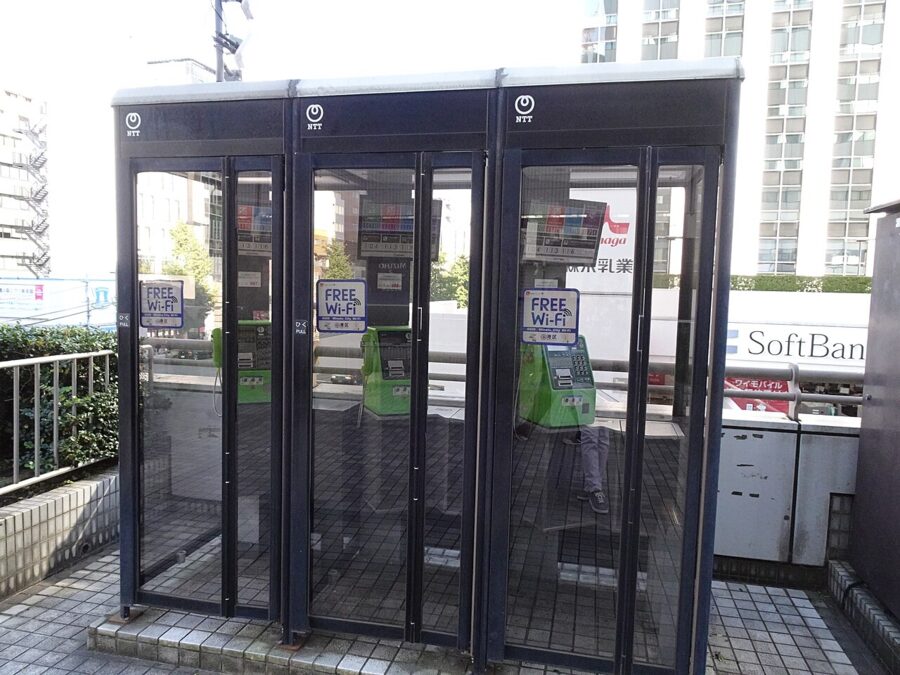

The word to look for on shop doors is 無料 (muryō, free), as in 無料Wi-Fi.
Practical bits: apps, tethering, charging, emergencies
The apps that need data
Google Maps handles walking and train routes in Japan well, with departure times for most lines; NAVITIME and Jorudan’s Japan Transit Planner go deeper on fares and transfers. In Japanese this search is 乗換案内 (norikae annai, transfer guide).
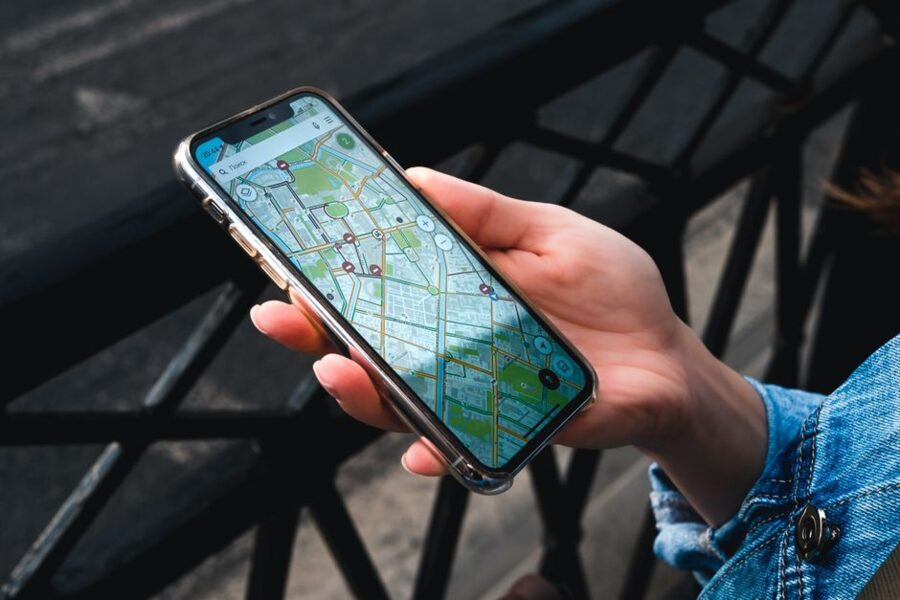
Camera translation of signs and menus works best online, though Google Translate lets you download Japanese for offline use. LINE is Japan’s main messaging app, and a guesthouse owner may ask for your LINE rather than your number.
Tethering
A phone on a data eSIM can share its connection as a hotspot. Some plans, especially unlimited ones, limit or forbid this, so check the terms, and expect the battery to drain fast.
Charging
Japan uses 100-volt power and flat two-pin plugs, so US chargers fit; the rest of the everyday basics are in general travel information for Japan. On a long day of maps and photos, a phone will not last until evening.
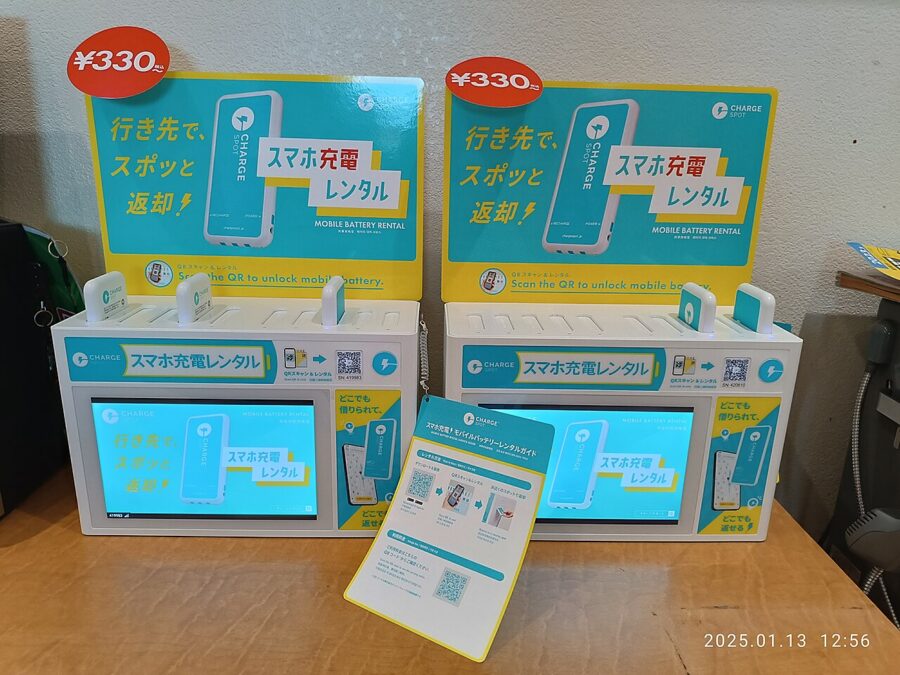
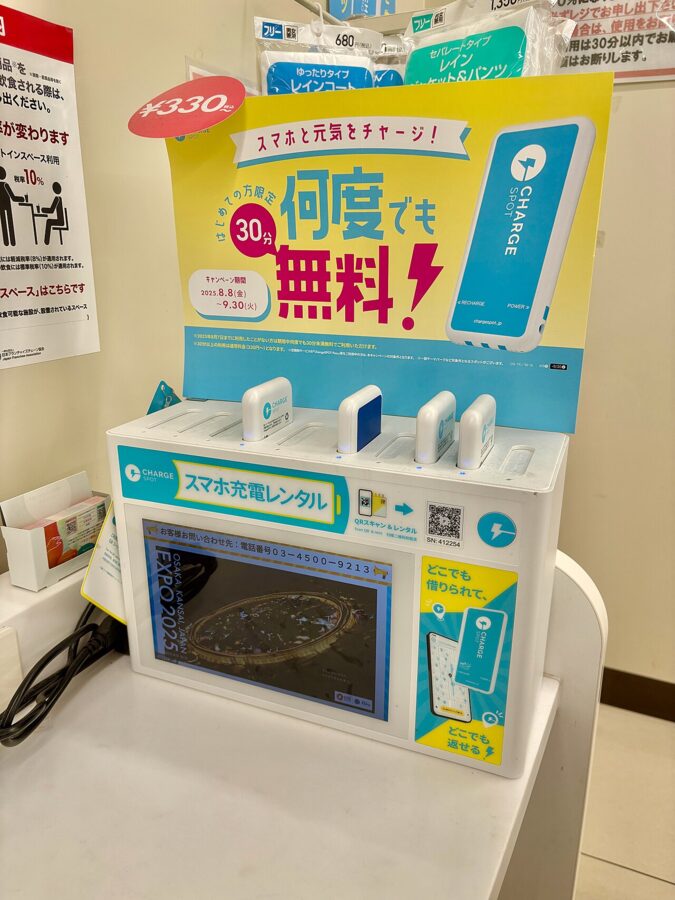
Carry a power bank or rent one from ChargeSPOT stands in convenience stores, stations and airports. The word is 充電 (jūden, charging).

Emergency calls without a Japanese number
Japan’s emergency numbers are 110 for police and 119 for fire and ambulance, with 118 for the coast guard. A data-only eSIM cannot make calls, and in Japan a phone with no working SIM cannot dial these numbers at all. So keep your home line switched on, even with data roaming off, so the phone can reach 110 and 119 through a Japanese partner network.
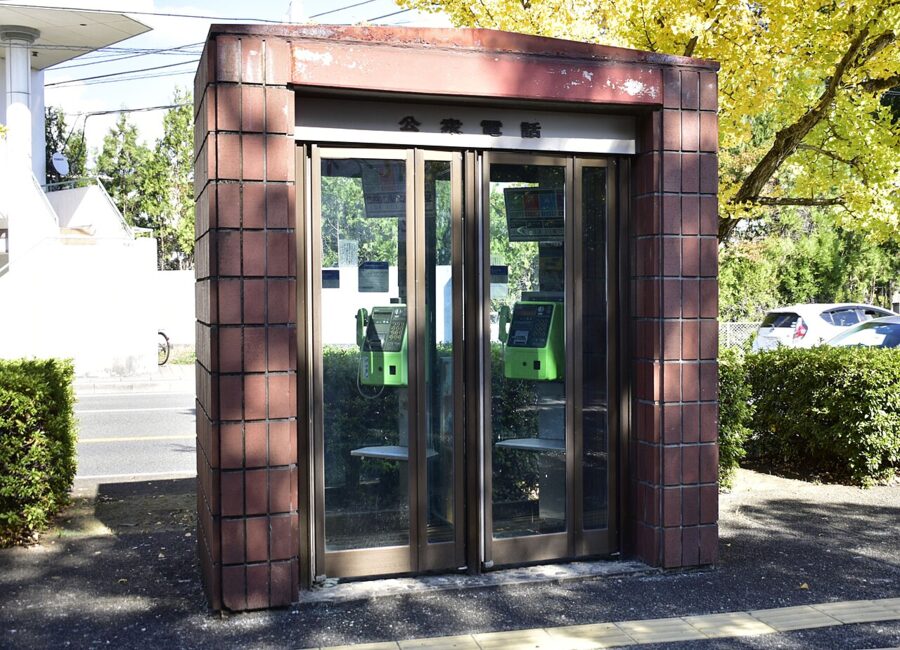
Public phones are the other backup. For non-emergencies, from a lost passport to a medical question, JNTO’s Japan Visitor Hotline answers 24 hours a day in English, Chinese and Korean; save its number in your contacts before you fly. The wider picture, from earthquakes to lost property, is in traveler safety in Japan.
Japan no longer asks you to rent a phone. It asks you to install one download before you leave, switch it on when the wheels touch the runway, and keep your home line alive for 110 and 119. If a shop assistant ever asks whether your phone is SIMフリー, you will know what they mean, and the answer will almost certainly be yes.